Introducing Beliefs: keep the ideas you want to live by
Save the things you believe as simple cards in Inpages.me. Learn how to add a belief, link your writing, read it on Home, and change it when your view changes.
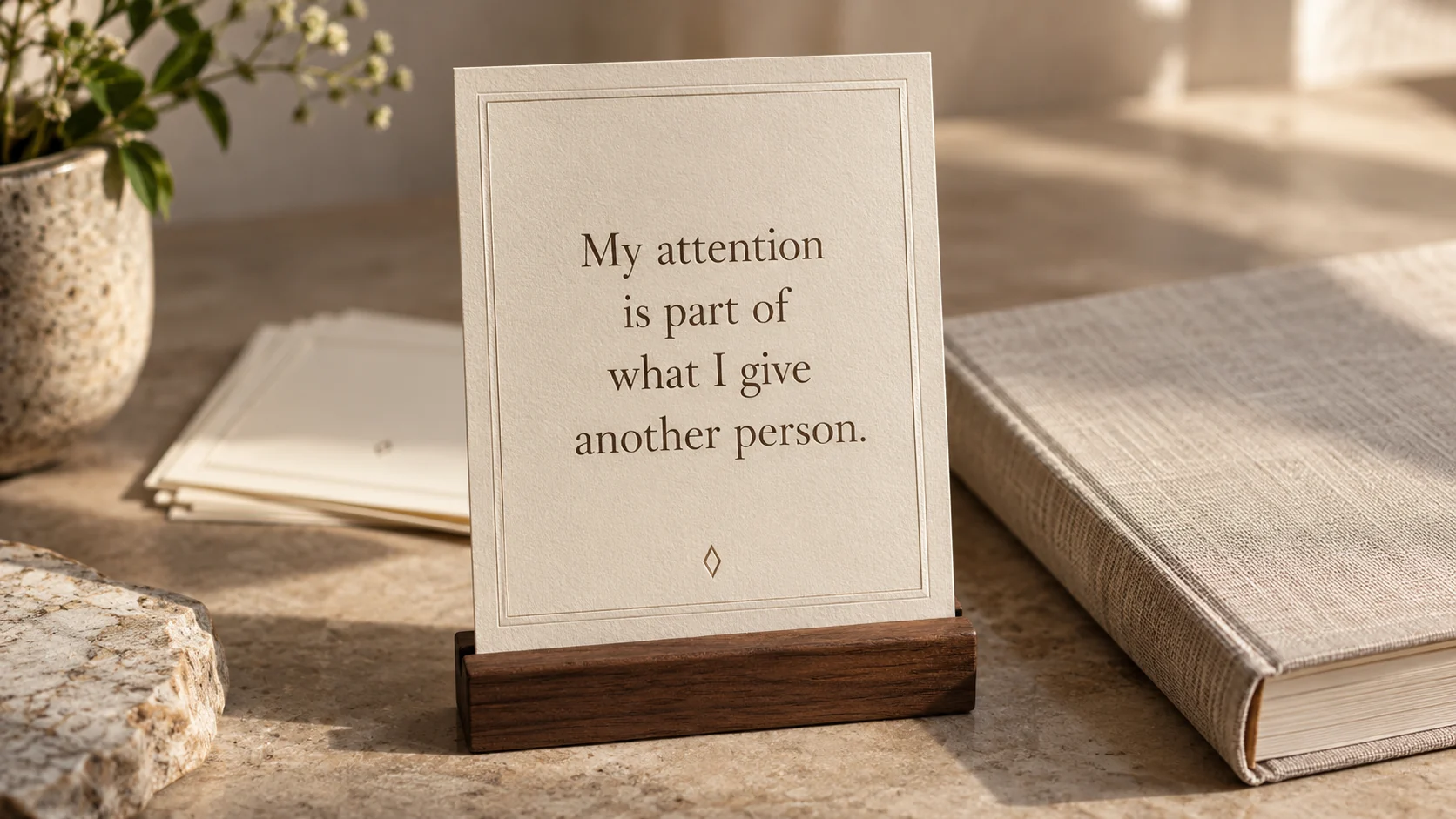
Beliefs is a place in Inpages.me for short statements you want to keep close. Write something you currently believe, something an experience helped you understand, or a principle you want to bring to your choices.
Each belief has its own card. You can keep the sentence on its own or link the memories and diary entries that helped you arrive at it.
For example:
I want the people close to me to have more than the time left after everything else.
That sentence might have come from a quiet weekend, a difficult conversation, or several months of noticing the same tension. The card gives the thought somewhere easy to return to. Your journal can keep the longer story.
Add your first belief
In your account, open Beliefs from the navigation and choose Add a belief.
Write in the What I believe field, then choose Save. A belief can contain up to 280 characters, including spaces. There is no separate title to invent and no category to choose.
Begin with a sentence you can explain in your own words. You can edit it later.
If you are unsure where to start, the guide to writing a personal philosophy offers a short template. You can also respond to one of these personal beliefs examples.
Save a belief from something you have written
When reading your own memory or diary entry, choose Save a belief from its actions. The entry is selected as related writing in the new belief form.
Write the sentence yourself, review the selected writing, and save. Starting from an entry does not copy the whole entry into the belief or decide its meaning for you.
You can also use Link writing in the form to choose more of your memories or diary entries. Linking is optional. A sentence can belong in your collection even when you cannot point to one moment where it began.
For an example of moving from several entries to one sentence, see how to turn journal entries into personal principles.
Read a few sentences at a time
The Beliefs page shows up to four cards on a larger screen and two on a small screen. When there are more beliefs to show, the cards change to another set after eight seconds and continue through the collection.
The cards show the sentences themselves. Dates and related-writing previews do not compete for space on each card.
You can pause or change the set from the collection's controls. On a computer, moving the pointer onto a card or focusing it with the keyboard also holds the set while you read. Opening a card takes you to its detail page, where related writing is available.
There is no need to wait for the right card to return. Find a belief opens the list where you can look for a sentence directly.
Keep one belief within reach on Home
Home shows one belief at a time. When you have more, it changes after eight seconds of viewing. It stays still while you focus on the card or have a reading dialog open.
Choose the card to open a simple reader. Close it when you are ready to return to Home.
A North Star can appear beside the belief when the screen has room. You might keep a direction you are growing toward alongside an understanding you want to bring with you. On a narrower screen, the cards appear one below the other.
You do not need a North Star to use Beliefs.
Let the sentence change when your view changes
Open a belief's detail page and choose Edit belief to change the words or related writing. The same sentence can become more precise as you live with it.
Beliefs does not keep a history of earlier versions. If you want to preserve an old view, write it in a dated memory or diary entry before changing the card. You can link that entry to the belief.
You can delete a belief when you no longer want it in the collection. Its linked memories and diary entries are kept.
You can also remove a link without deleting the original writing. The card is a way to keep an understanding nearby; the longer writing can continue to have a place of its own.
Choose the protection that fits the writing
Beliefs stays private to your account. The feature has no public publishing or sharing option.
You can choose Standard or Extra protection for the belief text. Standard stores it like your other Standard writing. Extra protection locks the text with your personal key, so you need to unlock it to read it. When you begin from protected writing, the form starts with Extra protection selected.
Related writing keeps its own protection. Linking an entry does not change who can read it. Extra protection locks the belief's words. Information about which entries you link stays with your account without that extra lock. Read the privacy details for the protection choices and their limits.
Changing a belief from Extra protection to Standard asks you to confirm. You can keep the stronger protection instead.
Start with a sentence you already want to remember
An existing account with writing access can create and edit beliefs. An account limited to reading can still read its saved beliefs. For a new account, choose a paid membership before you begin writing.
If you already use Inpages.me, open Beliefs from your account's navigation and save one sentence you want to return to.
If you are considering Inpages.me, compare memberships for your private writing. You can create an account when you are ready.
Your first quiet page
Make room for the ideas you want to live by.
Keep your beliefs beside the memories, diary entries, and directions that matter to you.
Choose and pay for a membership before writing your first entry.