Moving From a Notes App to a Private Journal
Move personal writing from a notes app to a private journal without copying your whole archive: keep useful notes, choose meaningful pages, and begin gently.
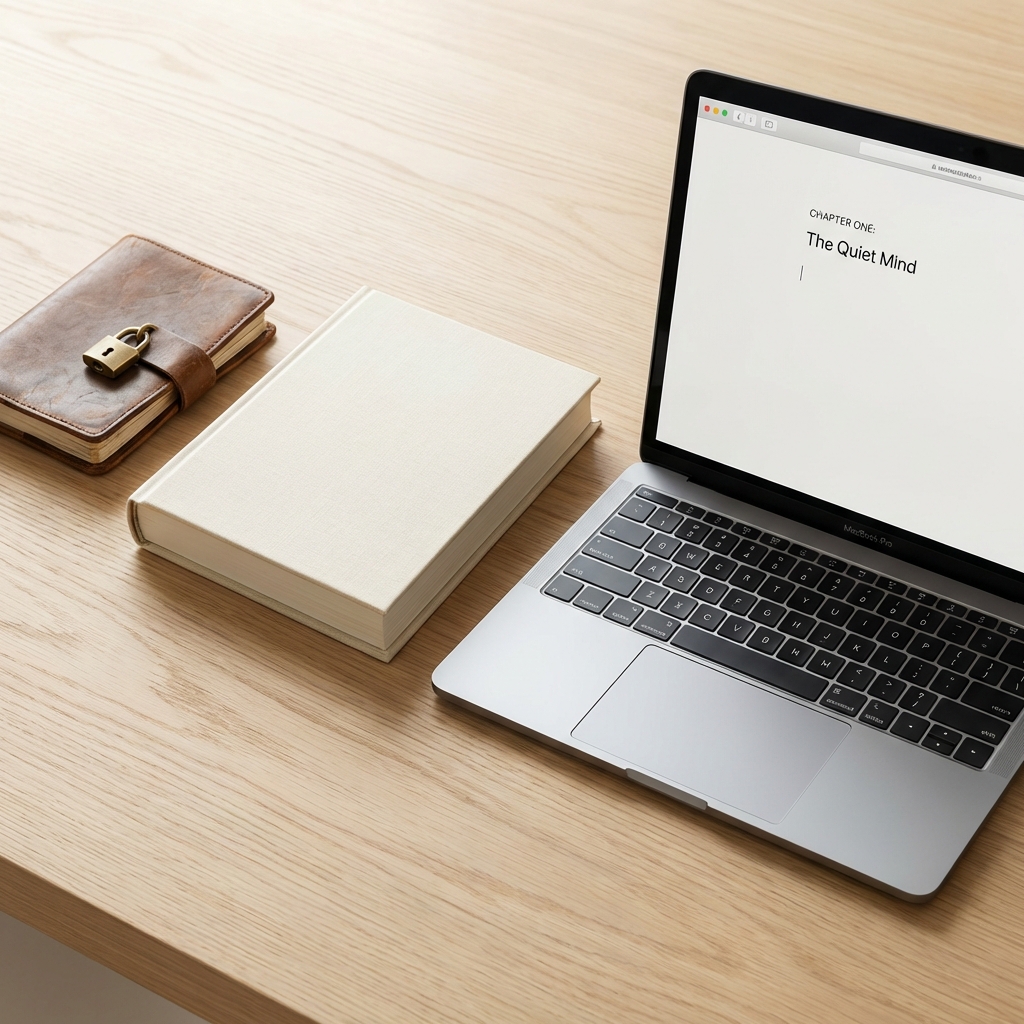
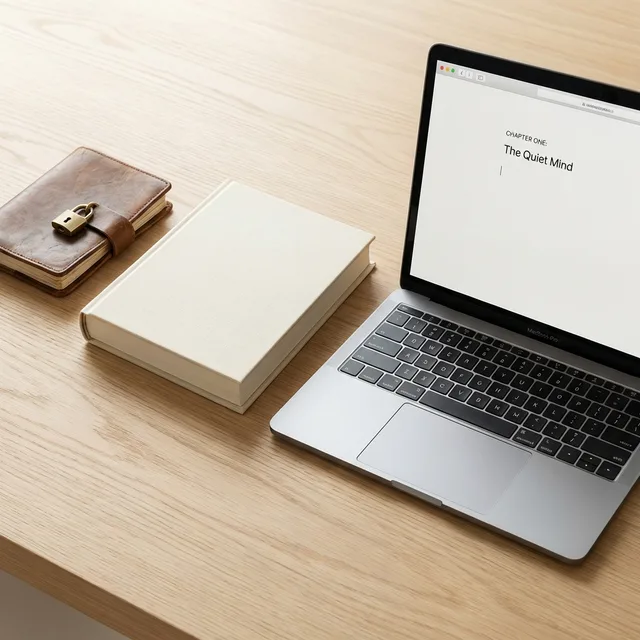
Many people already journal in a notes app without calling it journaling. A note begins as a complaint after work, a paragraph written on a sleepless night, a list of things that felt important, or a photograph saved with two words beneath it. Over time, those fragments can become a private history hidden between errands, meeting notes, copied links, and shopping lists. Moving to a private journal is not a demand to abandon notes. It is an invitation to give the personal record a room of its own.
Keep the notes app for what it does well
A notes app is not a failed journal. It is often the fastest place to catch an address, an idea, a checklist, a research trail, or a sentence you need before it disappears. It can remain exactly that. The goal is not to relocate every piece of text you own. It is to notice when a note has become more than useful information.
A personal journal can hold the part that a note leaves out: why a decision mattered, what the room felt like, what you feared but did not say, or why a photograph stayed with you. If you are still deciding whether these tools need different jobs, compare a digital journal with a notes app before moving anything.
Do not migrate your whole history in one weekend
An archive can feel like a responsibility the moment you decide to move it. Resist the urge to copy every old note into a new system. Much of it was meant to be temporary. Some entries belong in the notes app because they are useful only until a task is finished. Some may be too raw to revisit right now. A private journal is not improved by becoming a second, more sentimental inbox.
Instead, choose three to five notes that still have a pulse. Look for the ones you reread, the moments whose context you still remember, or a sentence that makes you wonder who you were when you wrote it. Those pages are not merely candidates for import. They are invitations to write a new entry from where you stand today.
Rewrite the memory instead of copying the fragment
Open one old note and ask: What did I know then that I have forgotten? What has changed since? What detail would help future me understand this without needing the original conversation around it? Then write a fresh dated page. You can quote one sentence from the note, but let the new entry include the context, feeling, and perspective that only time has added.
This approach protects the original moment from being overwritten while allowing it to become meaningful again. A short note that says “I think I need to leave” may become a journal page about the room, the fear, the possibility, and the small evidence that made the thought arrive.
Create one simple boundary for new writing
A clear division reduces the pressure of deciding where every sentence belongs. Try this rule for a month: if the writing needs to become an action, reference, or shared document, keep it in notes. If it needs to be remembered, understood, or held privately without an immediate outcome, write it in the journal.
The rule is allowed to be imperfect. A note can become a journal entry later; a journal page can point back to a practical list without containing it. You are not creating a filing system. You are making it easier to recognize when a private page would serve you better.
Check the privacy boundary before moving sensitive writing
A move is a good moment to decide what “private” needs to mean. Check whether the service can read stored content, which fields and files receive client-side encryption, what metadata remains visible, how recovery works, and what changes if you share or export a page. Do not assume that a password, a private setting, and encrypted writing offer the same protection.
Start with the private journaling app checklist, especially if an old note contains names, photographs, or details you would not want to travel through a public or work-oriented system. A private online diary should make its limits clear before it asks you to trust it with a long archive.
Move photographs with their missing context
A notes app may already contain screenshots and pictures that matter more than they appear to. Do not transfer them as loose attachments if you can help it. Give each one a few lines: who was there, what happened outside the frame, what you felt, and why this image survived. A private photo journal becomes valuable because it keeps the image beside the part no camera can save.
If visual memories are central to the archive you want to build, use a private photo journal as your next step. One image with a true caption is a better beginning than a hundred files moved without a story.
Let the new journal earn its place slowly
For the first month, do not measure the migration by how much old writing you moved. Measure it by whether there is now a place you can open when something matters. Write a few lines after a difficult day. Keep the context around a decision. Add a photograph you want to remember. Leave gaps without treating them as failure.
A private journal does not need to replace everything at once. It only needs to become the place where the personal parts of your life are no longer buried under utility. Start a private journal on Inpages.me with one note that still asks to be understood, then write the longer version in your own time.
Your first quiet page
Your personal writing can leave the inbox without losing its past.
Inpages gives personal reflection a calmer, private home while your notes app remains useful for tasks, links, and practical details.
Choose and pay for a membership before writing your first entry.
Create your account, then move one moment that deserves more than a folder or a checkbox.