Private photo journal: keep photos and words together
Keep photos with the stories behind them. See a private photo journal example, how to start in Inpages, and which membership fits your growing collection.
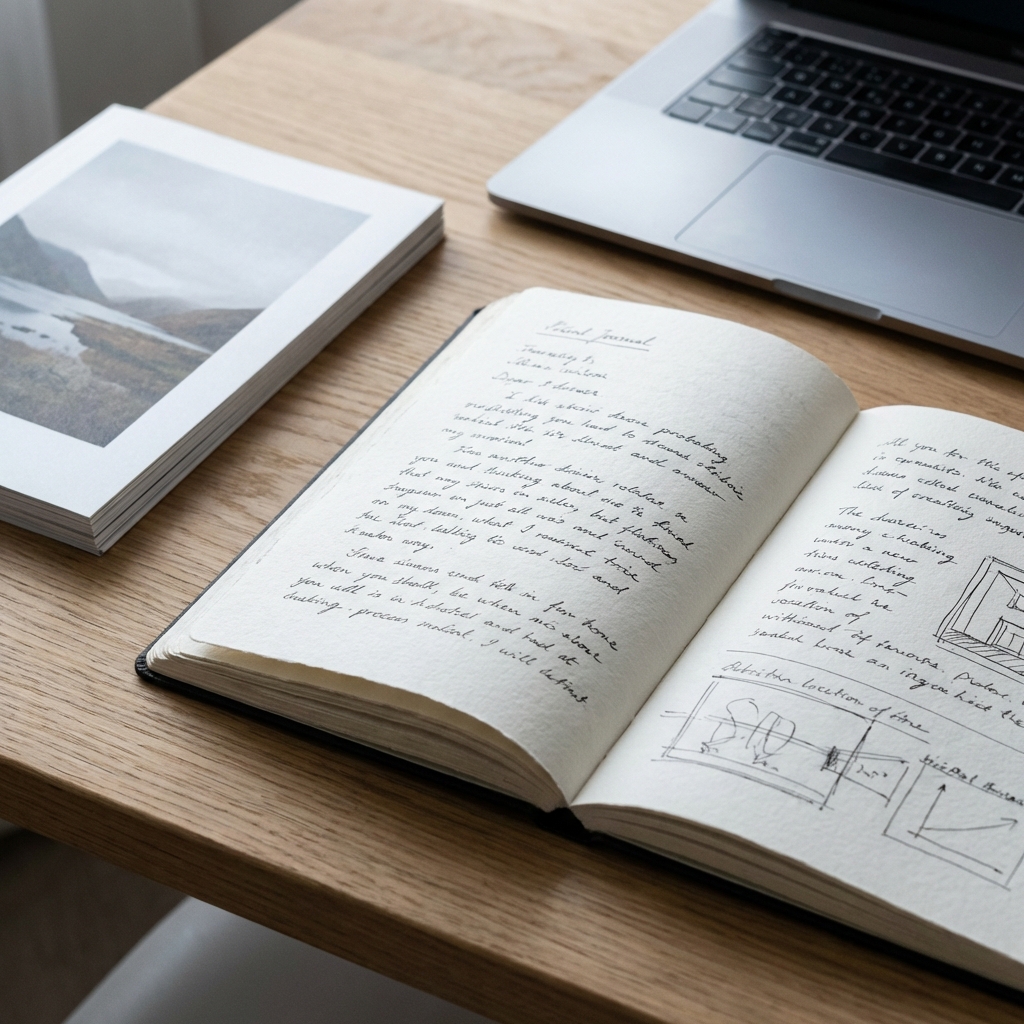
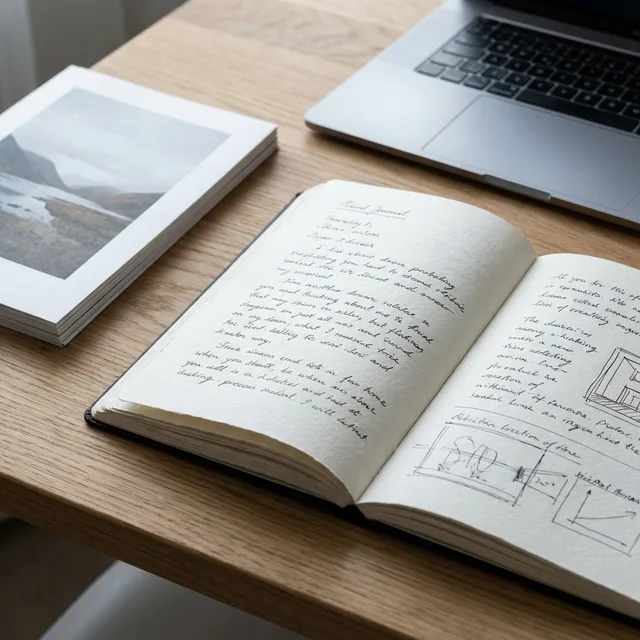
A private photo journal keeps a photograph and the story behind it on the same page. Start with one image, add when and where it happened, then write what the picture leaves out. You do not need a polished album or a daily habit to begin.
Inpages lets you keep photos with journal entries in your browser, then choose pictures for a digital Photo Book later. Here is a small example, how to make a page, and what each membership includes.
See a small photo journal example
This is a fictional entry, not a customer story. Imagine a photograph of two mugs on a windowsill beside a half-open moving box.
First Sunday in the new flat · September 20
We ate breakfast standing up because the table was still in pieces. Maya found the blue mugs in a box marked “winter clothes.” It rained all morning, and we decided unpacking could wait until after a second cup.
The picture looks like an unfinished room. I want to remember that it was the first morning the place felt like ours.
The image holds the room; the words hold the people, the small surprise, and why it mattered. For more help with the writing itself, see how to combine photos and text in a journal.
Make your first photo entry in Inpages
- After choosing and paying for a membership, open your journal and select New memory.
- Add a title and a few lines about the moment. Use the example above or the photo memory journal template.
- Attach a photo in the Keepsakes area. Start with one image that helps you remember the scene.
- Choose Save privately, or Save with extra protection if you want a private lock on the writing and files.
- Return to the entry later and read the words alongside the photo. Add another memory whenever there is something you want to keep.
Essential accepts images up to 5 MB each; Premium accepts images up to 10 MB each. If a photo is too large, keep the original and upload a smaller copy.
Choose a rhythm that fits your life
You can write after a trip, at the end of a month, or when an ordinary moment stays with you. A photo-a-week journal is another way to keep a small record without sorting your whole camera roll.
Choose the picture that brings the day back, even if it is blurred or poorly lit. Add the names, place, and one detail outside the frame. Two useful sentences are enough.
Use one journal or separate chapters
One journal can hold everyday life, trips, and milestones together. Essential costs US$1/year and includes one journal, unlimited memories, and one Photo Book. It is enough if you want a single place for your photos and writing.
Premium costs US$39/year and includes unlimited journals and Photo Books. It may suit you if you want a travel journal, a home project journal, and an everyday notebook, each with its own photo collection. Read an example of organizing multiple journals before deciding.
Both memberships are paid yearly. New accounts pay before creating their first entry. Compare memberships and all included features before signing up.
Keep the photo and its story private
Your Inpages memories start private. Extra protection adds a private lock to the writing and attached files, and a memory saved this way cannot be published. Dates and hashtags do not receive the extra lock.
Save your Recovery Key before relying on extra protection. If you lose both the password that unlocks your vault and the Recovery Key, protected content cannot be recovered. Keep your device safe too, especially when your journal is open.
For help choosing the protection you need, use the private journaling app checklist. If you later choose to share a different memory, check the people and personal details in its photos before publishing.
Make a Photo Book when you have a collection
Once a journal has photos you want to revisit together, you can choose them for a Photo Book and arrange their order. Keep the full stories in the original entries. A Photo Book is another way to read the collection on screen; Inpages does not offer printed book ordering.
Follow the steps to make a digital Photo Book when you are ready. A journal export is a separate download; the export guide explains what you can keep outside Inpages.
Begin with the photograph you almost skipped
Choose one image from this week. Finish the sentence “What this photograph does not show is…” Keep the answer short or let it become a full page. That is enough for your first photo journal entry.
If this is the kind of collection you want to keep, review the memberships below and choose one journal or room for several chapters.
Your first quiet page
Keep your photos and their stories together.
Begin with one journal and Photo Book, or choose Premium for separate collections as your life grows.
Choose and pay for a membership before writing your first entry.