How to Create a Journal With Photos and Text
Create a photo journal that keeps the story around each image with dates, context, honest captions, and a calm process for choosing what belongs on each page.
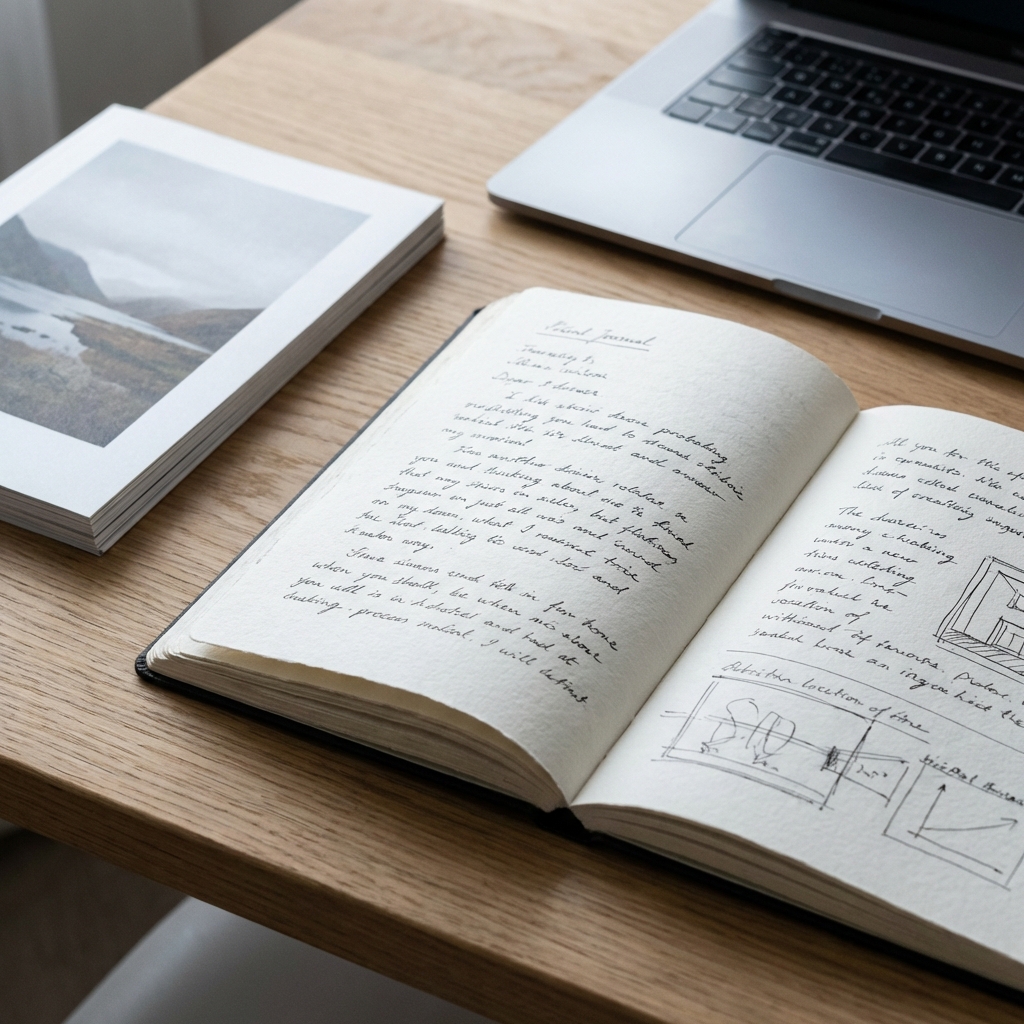
A journal with photos and text keeps what neither medium can preserve alone. The photograph holds light, faces, objects, and place. The writing keeps the names, sequence, feeling, and meaning outside the frame. Together they turn an image collection into a remembered life.
Choose the story before the photographs
Begin with a moment or period, not the whole camera roll. A rainy weekend, the first weeks in a new home, a family recipe, or an ordinary walk gives the page a natural boundary.
Choose one image that opens the memory. Add more only when each photograph contributes something different: a person, place, detail, change, or ending.
Write what the image cannot show
Use the caption to preserve context rather than describe the visible objects. Include:
- who is present and how you know them;
- where and when the photograph was made;
- what happened immediately before or after;
- why you chose to keep this frame;
- one sound, sentence, or feeling outside the image.
“A table with three cups” repeats the picture. “The last breakfast before we packed the kitchen” restores the story.
Images can also carry what prose cannot name directly. Frida Kahlo’s illustrated diary is a historical example of writing, drawing, paint, poems, and notes occupying one private record without every image serving as documentary evidence.
Keep imperfect photographs
A useful photo journal is not a portfolio. Blurred movement, an awkward crop, or an unfinished room may carry the exact texture you want to remember. Public feeds reward immediate visual impact; private journals can value recognition instead.
This is the same difference explored in why photobooks feel more meaningful than photo feeds.
Protect the whole page
Photographs can reveal faces, documents, home interiors, and location clues even when the caption seems harmless. Before using a digital photo journal, check how images are stored, whether protected files are encrypted in your browser, and what metadata or filenames remain visible.
On Inpages.me, a Memory can contain writing, links, and photographs. When you explicitly switch that Memory to encrypted protection, its marked text and files are transformed in the browser; it also remains private and cannot be published. Hashtags and some operational metadata are outside that encrypted boundary.
For the implementation behind that promise, read how Inpages.me handles file encryption before Active Storage.
Try one photograph each week
A fixed, gentle cadence can make selection easier. A photo-a-week journal uses one image and a short caption to create a year-long record without asking every day to become an entry.
Curate later, record now
Write the full memory while the context is close. Later, select photographs from several entries and arrange them into a quieter sequence. Curation should not erase the original pages; it creates a second way to revisit them.
When enough memories have gathered, follow how to turn your journal into a photobook. For today, open a journal on Inpages.me and give one photograph the sentence it is missing.
Your first quiet page
Keep writing, without turning your life into content.
Inpages.me is a calm digital journal for thoughts, photographs, and details you want to return to—without an audience or an endless feed.
Choose and pay for a membership before writing your first entry.