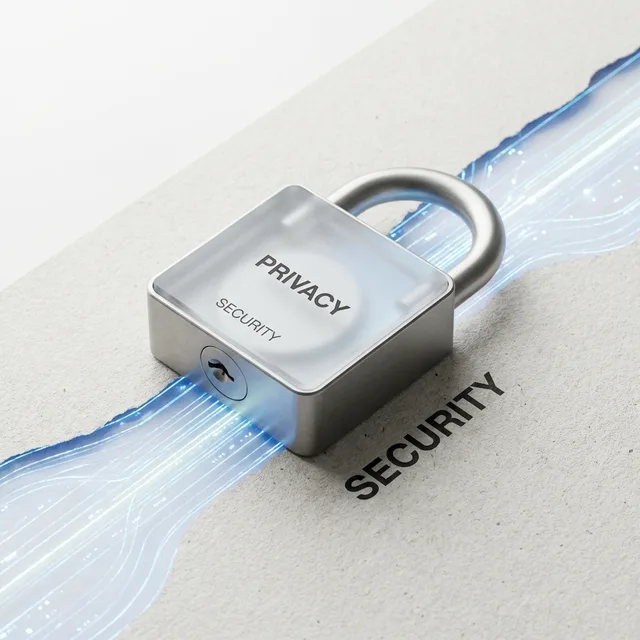
Online Diary With a Lock: What It Really Protects
Choose an online diary with a lock by understanding what a password, setting, device security, and encrypted writing each protect when you write honestly.
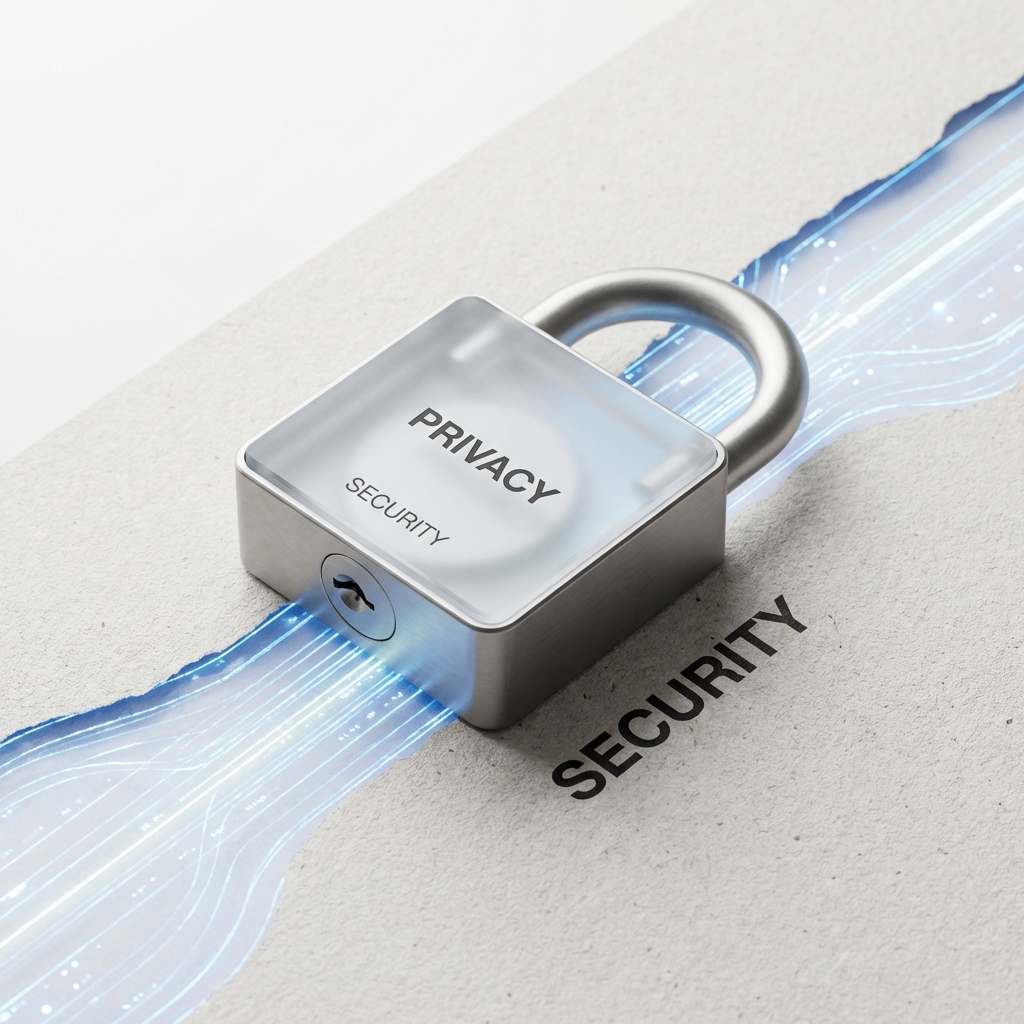
Searching for an online diary with a lock usually begins with a simple wish: “I want somewhere I can write the truth without worrying that somebody will open it.” That wish deserves a better answer than a reassuring padlock icon. A lock can be useful, but it protects only one part of a private writing life. Knowing the difference lets you choose a diary with care—and then relax enough to actually use it.
A lock answers one important question
At its simplest, a lock controls access. It may mean a password before someone can sign in, a PIN before an app opens, or a private visibility setting that keeps entries away from public profiles and search engines. These protections matter. They can stop a casual reader, keep a journal separate from public writing, and make it less likely that your personal pages appear where they do not belong.
But “nobody can casually open this screen” is not the same as “the service cannot read stored entries.” It is also not the same as “an unlocked computer is safe.” Treat the lock as the first layer of a boundary, not the entire boundary.
Match the protection to the worry behind it
Imagine the actual moment you are trying to avoid. If you are worried about a friend borrowing your phone, a device lock, sign-out habit, and app or account password are immediately relevant. If you are worried about a diary being found through a public link, private-by-default visibility and explicit sharing controls matter. If you are worried about a provider, employee, or database compromise reading the body of a sensitive entry, you need to ask a deeper question about encryption and decryption keys.
None of these concerns is excessive. They are simply different. A private online diary becomes easier to trust when the product explains which concern each control addresses instead of using one word—secure—for all of them.
Know the difference between a password and encrypted writing
A password proves that you may enter an account. It does not, by itself, determine whether the service can read the journal after you enter. In many systems, the provider needs readable content for features such as server-side search, account recovery, moderation, or generated assistance. That can be a legitimate design, but it is different from a system in which protected writing is transformed into ciphertext on your device before storage.
In a client-side encrypted journal, the useful decryption key stays with you or your authorized device rather than being held by the service. That can reduce the harm of a server or database compromise, while creating a genuine recovery responsibility if you lose the password, Recovery Key, and every unlocked device. Read password-protected diary versus end-to-end encrypted journal before deciding which trade-off fits your writing.
Do not overlook the open-device problem
Encryption is not a force field around an open page. When a diary is unlocked in a browser or app, the device can display readable writing. Someone using that open session, a harmful browser extension, malicious software, or injected code on a compromised device may be able to reach it. A private diary still needs the everyday care you give other personal accounts.
- Use a device passcode and lock the screen before walking away.
- Sign out after writing on a shared computer.
- Keep browsers and operating systems updated.
- Remove extensions you do not recognize or trust.
- Keep recovery material separate from the device and the journal itself.
These habits are not meant to make writing anxious. They are what let the page feel safely ordinary again. If you share a device, use the more detailed shared-computer journal privacy checklist.
Check the parts of a page, not only the page itself
A diary entry may contain a title, body, photographs, links, captions, tags, filenames, dates, and reminders. An app can protect some of these differently from others. A photograph of a room, a filename, or a detailed tag can reveal more than a carefully written paragraph. The useful question is not “is the diary encrypted?” but “which parts are protected, which parts remain visible, and why?”
This is why privacy documentation should name its limits. On Inpages.me, an explicitly encrypted Memory transforms its marked writing and files in the browser before storage, while hashtags and certain operational metadata remain outside that content-encryption boundary. Protected Memories stay private and cannot be published as public pages. For a wider product-independent review, ask whether a journaling app can read your entries.
Test the lock with an ordinary entry first
Before placing your hardest story in any online diary, test an ordinary page. Write about the route home, a meal you liked, or a small annoyance. Confirm that you can see its privacy state, sign out, return, and understand what happens if you change devices. If you plan to add photographs, test those too.
This small rehearsal is not distrust. It is how a tool becomes trustworthy enough for the larger things. You learn the rhythm of opening a page, the feeling of closing it, and the real limits of the boundary before the writing depends on it.
Use the lock to make more room for honesty
The point of a protected diary is not to become preoccupied with protection. It is to create enough safety for a sentence to arrive unedited: the resentment, gratitude, confusion, hope, or ordinary detail you would never put in a group chat. A well-understood boundary makes the page quieter. It lets you write before you have decided what the feeling means.
Start a private journal on Inpages.me with one low-stakes page. Try the protection deliberately, then give today the honest sentence it has been waiting for.
If you are comparing more than one product, use how to choose a private journaling app to check the same boundary in each one.
Your first quiet page
A lock can make room for a more honest sentence.
Inpages separates private visibility from encrypted protection, so you can understand the boundary around the page before you rely on it.
Choose and pay for a membership before writing your first entry.
Create your account, then try one ordinary private entry and learn how the protection state feels in practice.